How to Calculate GPA: The Ultimate Guide and Free 4.0 Scale Calculator
Calculating your Grade Point Average (GPA) is a vital part of tracking your academic progress. Whether you are a high school student eyeing college admissions or a university student aiming for the Dean’s List, understanding how your grades translate into points is essential.
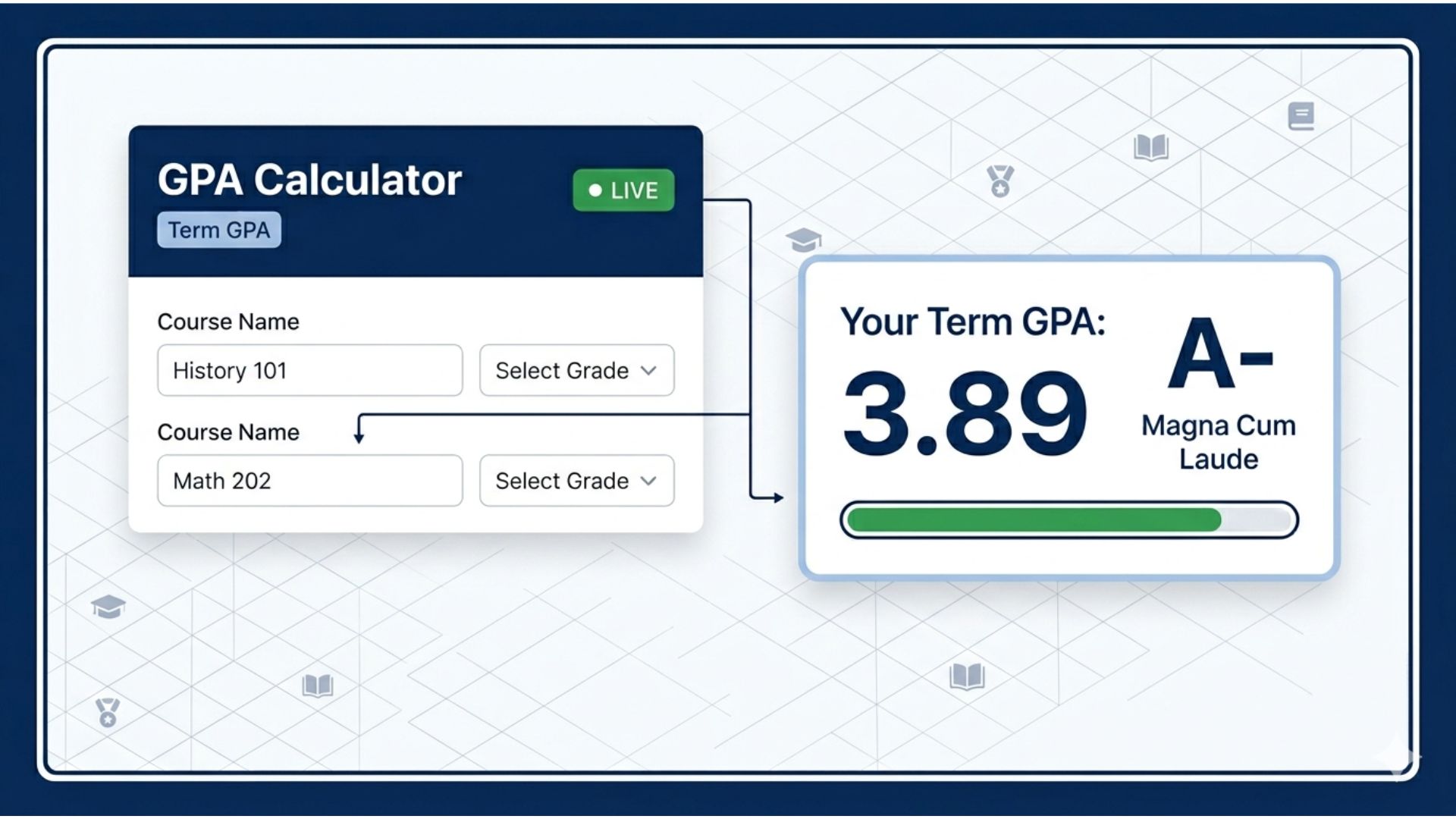
On this page, you’ll find our Live GPA Calculator, a semantically built tool designed to handle weighted, unweighted, and cumulative calculations in real-time.
GPA Calculator
| Course Name | Grade | Credits | Honors/AP | Points |
|---|
Prior GPA (Cumulative Mode)
Grade Scale Reference ▾
What is a GPA and Why Does It Matter?
Your Grade Point Average is a single number that represents the average of all your final grades throughout a semester or your entire academic career. Most schools in the United States and international systems use a 4.0 scale, where an “A” is worth 4.0 points and an “F” is worth 0.
Why it matters:
- College Admissions: Universities use GPA as a primary metric for filtering applicants.
- Scholarship Eligibility: Many financial aid programs require a minimum GPA (usually 3.0 or higher).
- Academic Standing: Maintaining a good GPA keeps you eligible for sports, clubs, and graduation.
Unweighted vs. Weighted GPA: What’s the Difference?
When using our calculator, you will notice a toggle for Honors/AP. This changes your calculation from “Unweighted” to “Weighted.”
- Unweighted GPA: This scale treats every class equally, regardless of difficulty. The maximum is usually 4.0.
- Weighted GPA: This scale gives extra “weight” to more difficult classes like Advanced Placement (AP), International Baccalaureate (IB), or Honors. Often, an “A” in an AP class is worth 5.0 points instead of 4.0.
How to Use the MNJrecap GPA Calculator
Our tool is designed for speed and accuracy. Follow these simple steps:
- Select Your Scale: Choose between 4.0, 4.3 (with plus/minus), or 5.0.
- Add Your Courses: Enter the name of your subject (e.g., Biology).
- Select Your Grade: Use the dropdown to choose your letter grade.
- Enter Credits: Input the credit hours (weight) of the course. Most semester courses are 3 or 4 credits.
- Check Cumulative: If you know your past GPA, toggle the Cumulative switch to see how this semester affects your overall standing.
The GPA Calculation Formula
If you want to calculate your GPA manually, use this standard formula:
(Total Grade Points × Total Credits) ÷ Total Credits Attempted.
Essentially, you multiply the points for each grade by the credits for that class, add those totals together, and divide by the total number of credits attempted.
FAQ: Frequently Asked Questions
Does an A- affect my GPA differently than an A?
Yes. On a standard 4.3 or 4.0 (+/-) scale, an A is 4.0, while an A- is usually 3.7. Using the “+/- Grades” toggle in our calculator will help you see this difference.
What is a “Good” GPA?
While “good” is subjective, a 3.0 GPA is the national average and is generally the minimum for many four-year universities. A 3.5 or higher is often required for top-tier schools and honors societies.
Can I export my results?
Yes! Our tool includes an “Export CSV” button so you can save your data for your records or share it with an academic advisor.
We’d love to hear your thoughts! Feel free to ask questions below. If you need a custom tool for your studies or projects, just let us know and we’ll do our best to provide it.